UV Laser Engraver: What to Prove Before You Buy
Published September 30, 2026 · Evidence: RESEARCHED
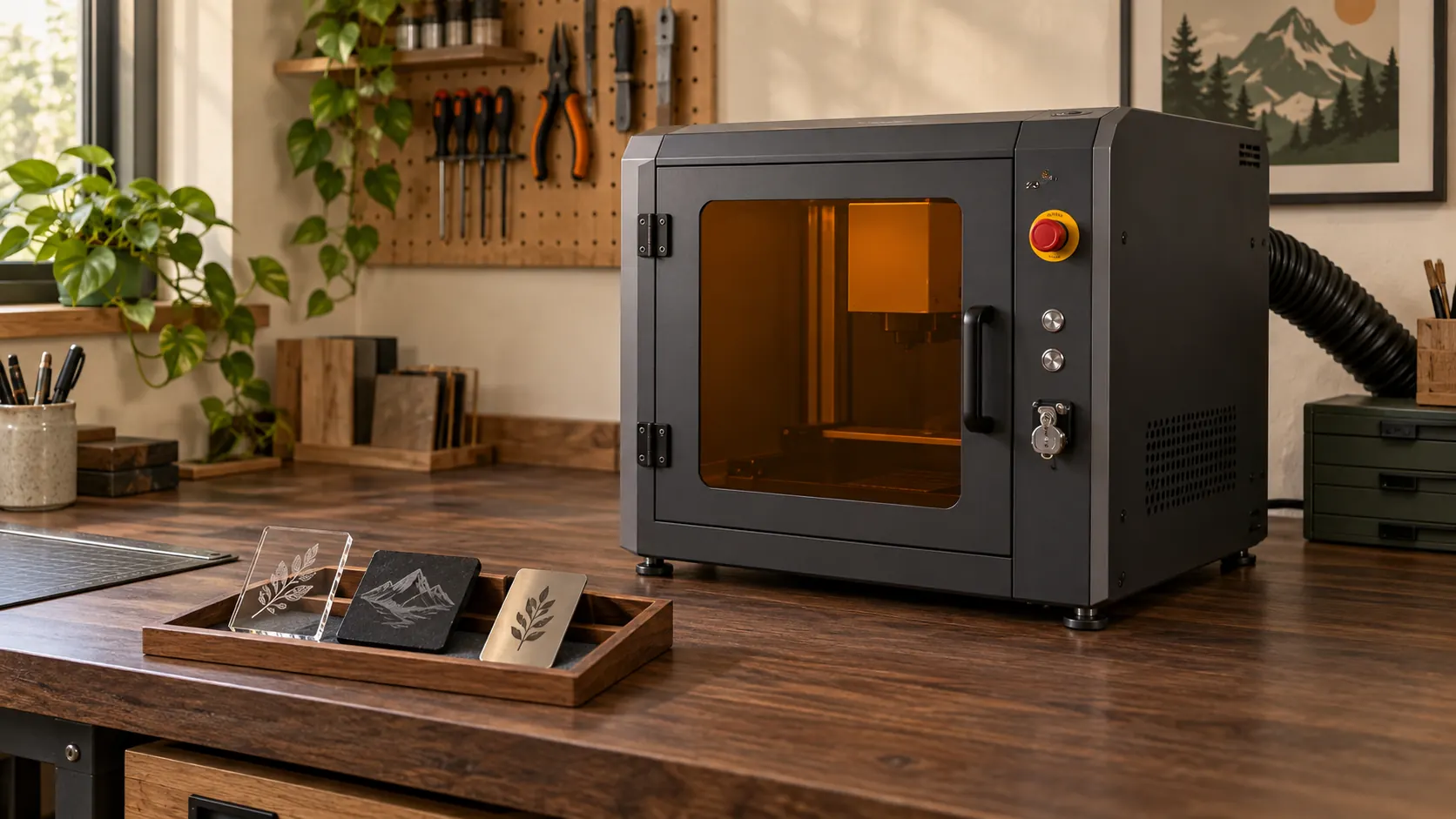
Editorial illustration of an enclosed UV laser marker, not a tested machine.
Research-only guide. Make At Home has not tested or owned the products named here.
A UV laser engraver belongs on a buyer's shortlist only if the seller can prove the requested result on the exact stock and finish, using the quoted machine and complete setup. Vendor pages show that current UV models are sold for detailed marking across named materials, but those model claims do not prove that every UV system will mark your part. Treat the sample, safety documents, workspace fit, software path and service terms as one buying decision.
What is a UV laser engraver?
A UV laser engraver is a machine that uses ultraviolet laser light to mark or engrave a workpiece. The useful definition for a buyer stops there. The process label does not settle compatibility, finish, depth, contrast or safety for a particular job. Those points belong to the exact model, stock and setup.
Current vendor pages illustrate the boundary. xTool describes the F2 Ultra UV as a 5W UV laser engraver and names glass, crystal, plastics and ceramics in its model description. Gweike lists the G7 as a UV laser engraver with 3W, 5W, 10W and 15W variants, and its page names glass, silicone, paper, wood and plastic. ComMarker describes its Omni UV model as a UV marking and engraving machine and names several materials, including metal. These are claims for those named products, not a material promise for the category (xTool F2 Ultra UV; Gweike G7 UV; ComMarker UV guide). Product pages checked 2026-09-30.
Do not turn vendor wording such as “cold” into a promise of a heat-free process. For selection, translate every broad claim into a sample request. Name the exact substrate, grade, coating, surface condition, geometry and intended result. If the seller changes any of those details for the demo, the demo answers a different question.
Should a UV marker make your shortlist?
Start with a repeated job, not the source label. Write down what enters the workshop and what an acceptable finished part looks like. A useful job brief names the stock, coating or treatment, mark location, fixture contact, artwork or data source and inspection rule. It also identifies who owns the decision.
Then apply a sample-first gate. The seller must produce a representative sample on the exact stock and finish before you accept a capability claim. The proposed machine, work area, fixture and software path should match the quote. Keep the sample and its record together. A photo of another material, a showroom blank or a result from a different model does not clear the gate.
Reject the route for that job if the vendor cannot document the material, refuses a representative sample, or leaves the delivered configuration unclear. Do not fill the gap with a category assumption. A short list is useful because it can end with no qualifying machine.
What evidence distinguishes UV, fiber/MOPA, CO2 and diode routes?
The route name is a heading for questions. It is not an answer. Use the same job brief for every seller so each route faces the same evidence test.
| Route | Evidence to request | Decision boundary |
|---|---|---|
| UV | Exact-stock sample, desired surface result, usable work area, fixture, enclosure and access behavior, extraction plan, software path, service and complete quoted configuration | Accept only the named model and setup that produced the approved sample |
| Fiber or MOPA | The same exact-stock sample and full-system record, with the seller naming the source, lens or field choice and fixture used | Do not read a metal-oriented route as proof for every alloy, coating or finish |
| CO2 | The same material, result, work-area, access, extraction, software, service and configuration evidence | Do not substitute a sample on convenient stock for the requested part |
| Diode | The same sample and purchase-file evidence, including the delivered enclosure or access arrangement and site needs | Do not let a low component count hide missing controls, fixtures or services |
The comparison should expose omissions. Ask which quoted item creates the work area, holds the part, controls access, removes process by-products, imports the file and supports the operator. If the answer sits outside the quote, add it to the complete configuration before comparing candidates.
Use our fiber laser engraver guide, CO2 laser guide and diode laser guide to frame route-specific questions. Keep the final decision tied to the same sample and purchase file.
Can a UV laser engraver mark metal?
A supported model claim or successful sample can answer that question for a named model and a named piece of stock. It cannot establish that every UV laser marks every metal. ComMarker's page claims metal engraving for its Omni UV machine and names anodized aluminum, brass and stainless steel. That statement supports a question to the vendor about that model. It does not replace a sample on your exact alloy, coating and finish (ComMarker UV guide).
Ask the seller to record the machine identity, stock identity, finish, fixture, artwork and acceptance result. Decide in advance whether “mark” means readable identification, a visual contrast, a texture or material removal. If the seller proves a different outcome, the original requirement remains open.
This distinction matters with coated or treated metals. The visible result may involve the surface system rather than a generic property of “metal.” Keep the coating documentation and applicable safety data sheet with the sample. Unknown, coated, composite or treated material remains a stop until the exact manufacturer documents compatibility and the workshop has the applicable SDS and local review.
What must the purchase file contain?
The purchase file should make the decision repeatable by someone who did not attend the sales demo. Give every open line an owner. Do not sign off a machine while a required document, sample or site decision is missing.
- Machine identity and manual. Record the exact model and configuration. Retain its manual and label with the file.
- Stock record. Name the exact substrate, coating, treatment and supplier reference. Keep the applicable SDS and the maker's compatibility statement.
- Sample result. Keep the approved representative sample, its acceptance rule and enough identification to connect it to the quote.
- Work area and fixture. Record the usable area, part clearance, access and workholding used for the accepted sample.
- Controls and access. Document how access behaves during intended use and setup. Preserve manufacturer interlocks and other controls.
- Extraction and site services. Plan extraction from the maker documentation and a competent site assessment. Record required services and the responsible owner.
- Software. Record file formats, computer requirements, licenses, job transfer, backup and the demonstrated route from source file to approved output.
- Training and service. Name the training, authorization, support channel, service scope, documentation and owner. UC San Diego publishes its manual, Class 3B and Class 4 requirements, training, hazard-control resources and emergency procedures (UC San Diego Laser Safety).
- Emergency and stop record. Record the applicable emergency and stop procedures and who maintains them.
How should safety change the buying decision?
Make safety evidence part of the quote review. Berkeley Lab points users to engineering controls, administrative controls and training for laser systems (Berkeley Lab Laser Safety Resources). UC San Diego publishes its manual, Class 3B and Class 4 requirements, training, hazard-control resources and emergency procedures (UC San Diego Laser Safety). These landing pages do not directly support extraction, competent site assessment, interlock behavior, access behavior or stop-record requirements. They do not certify a product or your site.
For the Make At Home purchase-file gate, require the exact model manual and label before acceptance. Verify the documented controls and access behavior. Preserve interlocks. Plan extraction from the maker documentation and a competent site assessment. Supervise the process and record emergency and stop procedures. Confirm each requirement against the exact maker manual and the applicable competent local review. This gate does not declare that the machine or site is safe.
Do not prescribe eyewear from an article or infer that a generic enclosure makes every system Class 1. Do not bypass an enclosure or interlock. Do not invent ventilation rates, settings, maintenance steps or alignment procedures. Those details must come from the exact manufacturer documentation and the competent review for the installation.
Unknown, coated, composite or treated material stays outside the approved process until the exact manufacturer documents compatibility and the workshop holds the applicable SDS and local review. A vendor material list is not permission to process an unidentified blank.
Is a UV laser engraver worth it?
It is worth keeping on the shortlist when a repeated job survives all five gates: the exact-stock sample, the safety review, the workspace and fixture check, the service and software check, and the complete-configuration comparison. The conclusion belongs to that job and setup. It is not a ranking of UV against every other laser route.
The complete configuration includes the machine, enclosure or documented access arrangement, fixture, extraction, required site services, control computer, software, training and service. Missing items remain missing costs and responsibilities even when the sample looks good. Compare the whole delivered system without inventing a payback or profit claim.
A failed sample is useful. It removes a route before installation. A passed sample is only the first gate. It does not waive documentation, site assessment, training or emergency planning.
Which questions should you send with the sample?
- Will you run this exact stock, coating and finish on the quoted model and configuration?
- What result will you record, and what will count as acceptance?
- Which work area, fixture and access arrangement will you use?
- Which extraction and site requirements appear in the exact maker documentation?
- Which software, computer, licenses and file steps are included?
- Which manuals, labels, training, service and emergency documents arrive before acceptance?
- What is excluded from the quote, and who owns each excluded item?
Send the same list to every candidate. Require written answers and attach them to the sample record. A sales call can explain an answer, but it should not be the only place the answer exists.
What else do buyers ask?
Can a UV laser engraver mark metal?
A named model may carry that claim, but it is not a universal category promise. Require an acceptable sample on your exact metal, coating and finish with the quoted configuration (ComMarker UV guide).
Is a UV laser engraver worth it?
Keep it on the shortlist only when a repeated job passes the sample, safety, workspace, service and total-configuration checks. Do not use a generic material list or a payback claim as the decision.
Does an enclosure make every UV laser Class 1?
No generic conclusion is justified. Retain the exact model manual and label, verify controls and access behavior, preserve interlocks and obtain the applicable competent site review.
What happens if the material is unknown or coated?
Stop. Resume only when the exact manufacturer documents compatibility and the workshop has the applicable SDS and local review.
Written by Tileo, operator of Make At Home.