Fiber Laser Engraver: The Proof to Get Before You Buy
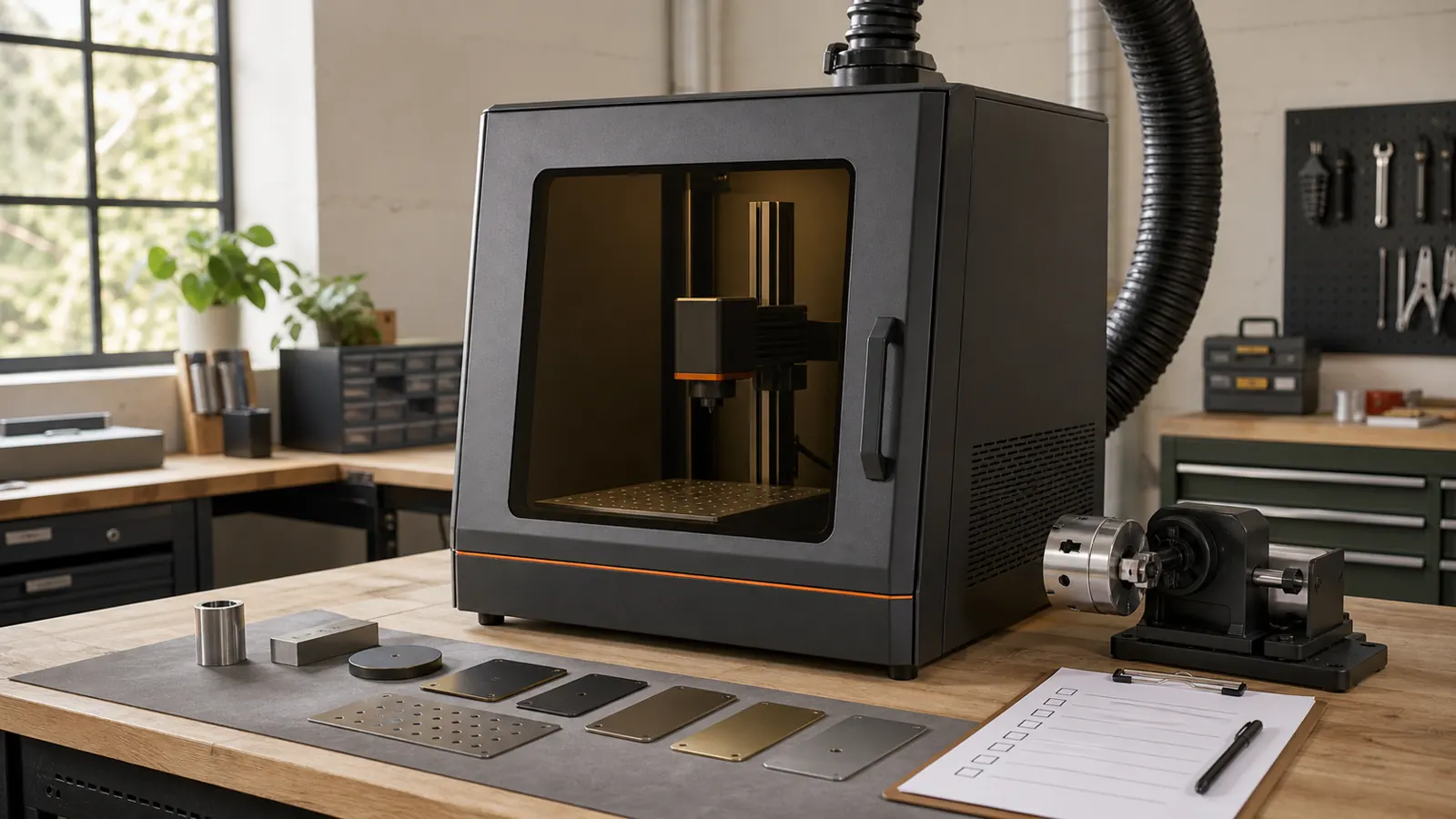
The short answer: Buy a fiber laser engraver only after the seller proves your required mark on the exact material and finish you plan to use. The seller should also supply a full record for the quoted machine. That record must cover safety, setup, software, site needs, and support. This is our buyer rule, not a universal standard. A polished demo on a handy sample is not enough. Give every seller the same part, mark need, fixture limits, and pass rules. Require an unedited sample record tied to the exact quote. Before use, follow the maker's documents. Get a skilled laser-safety and site review for that machine and workplace (OSHA Laser Hazards).
The hard part is not finding a machine that can make a mark. You need proof that the delivered system can make your mark. It must work on your part and at your site. Your team must also be able to keep the job record.
Is a fiber laser engraver right for your job?
Start with the finished part, not a model name or headline spec. Record the material, grade or makeup, coating, plating, heat treatment, and finish. Use the details that the supplier documents. If the material is unknown or lacks records, do not process it. Get its exact makeup and the supplier's guidance first. OSHA separates laser risks into beam and non-beam hazards. A material decision cannot rest on beam exposure alone (OSHA Laser Hazards).
Then define the result. State the mark content, place, size, direction, look, allowed part changes, and check method. Name any need for a recess, texture, or through-cut in the pass rules. Do not let the word "engraver" turn a marking demo into proof of cutting.
For this buyer gate, treat marking, engraving, and through-cutting as separate claims. Tie each cut claim to the named machine, material, finish, process, and part. Require a demo of the needed cut on sample stock that matches your job. The proof must map to the quoted system. If metal work drives your search, use the metal laser engraver guide to frame the wider choice.
This gate is deliberately strict. A buyer can compare brochures later. First, decide whether the seller can reproduce the one job that matters.
What must the seller prove before you buy?
Use one buyer-gate record for each important part family. Mark each row as proved, missing, or not applicable. A strong answer in one row does not cancel a missing must-have in another.
| Buyer gate | What you must define | Evidence to require before purchase | Reject or pause when |
|---|---|---|---|
| Job and mark. | Define the content, place, look, check method, and person who can pass the mark. Add depth or texture if it matters. | Get an approved sample and a written pass rule. | Pause if the request is only "make it dark" or "make it deep." |
| Material and finish. | Name the exact makeup or grade, coating, plating, treatment, and surface. | Get the supplier's material record and a matched marked sample. | Reject a handy metal or finish used as a stand-in. |
| Field and fixture. | State the part size, mark place, access limits, fixture, and allowed changes. | Get a drawing or record that names the quoted field or lens and fixture. | Pause if the quote says only that the part "should fit." |
| Sample evidence. | Name the sample parts and the agreed check method. | Get an unedited record, sample ID, result images, and approved part when useful. | Reject a highlight reel, edited clip, or unrelated coupon. |
| Exact setup. | Name the model, source, field or lens, fixture, controller, control package, and included items. Add the rotary if needed. | Get an itemized quote that matches the sample record. | Pause if you cannot match the sample machine to the quote. |
| Enclosure and control concept. | State the intended use, access conditions, maker safeguards, and site controls. | Get the maker's documents and a plan for skilled review. | Reject a safety case based only on the word "enclosed" or a label. |
| Non-beam hazards and fume plan. | Name the approved materials, process waste, fire and power concerns, and site roles. | Get maker and material documents plus the site review record. | Reject a generic extractor tip with no review of the exact process. |
| Software and setup backup. | Name the software, device record, field or lens setup, job files, license, computer needs, export, restore, and access rights. | Get a demo of the file path and a way to copy or export your records. | Reject a setup that lives only on the seller's computer. |
| Site needs. | State space, services, siting, access, local rules, startup, and acceptance roles. | Get written pre-install needs reviewed for the intended site. | Pause if site work appears only after the order. |
| Service and support. | Name the manuals, warranty, service route, contact, training if offered, parts route, and update policy. | Get the named documents, contacts, scope, limits, and handoff terms. | Reject "lifetime support" in place of a clear process. |
| Exit and ownership records. | State who owns the job files, art, fonts, passwords, setup exports, sample records, and machine documents. | Get a written delivery list and a tested backup or export route. | Reject a deal that prevents you from moving the approved job record. |
The safety rows need exact proof. Lasers produce intense, highly directional light (OSHA Laser Hazards). Some laser exposure can harm eyes and skin under some conditions (OSHA Laser Hazards). OSHA also points to non-beam hazards, standards, hazard checks, and possible controls (OSHA Laser Hazards). These facts do not produce one control plan for every machine.
Lasers are classified for safety based on their potential to injure eyes and skin, and most laser products are required to have a class label (LaserSafetyFacts class overview). Its detailed class descriptions are limited to visible-beam consumer lasers in the 400–700 nm range under an unintentional exposure of less than 0.25 seconds; it directs readers to other sources for infrared and ultraviolet lasers (LaserSafetyFacts class overview).
How do you run a fair same-job vendor comparison?
Do not ask each seller to choose the demo. Send the same comparison pack to every seller. This makes a refusal or an evidence gap visible.
Your pack should contain:
- the same documented material sample and surface finish.
- the same artwork, content, placement, and mark requirement.
- the same part range and fixture constraints.
- the same acceptance criteria and inspection method.
- the same request for an exact, itemized configuration.
- the same request for safety, site, software, service, and ownership records.
Ask each seller to return an unedited sample record. It should identify the sample, machine model, source, field or lens, fixture, controller, and software. It should name the rotary if one was used. It should also name the enclosure or control package. Add any other quoted item needed to repeat the accepted job. Do not request or publish operating settings. The goal is a clear link between the result and quote. It is not a recipe for using the machine.
Compare the returns in this order:
- Check that the sample material and finish match your record.
- Apply the same pass or fail criteria to the result.
- Match the sample record to the exact quoted configuration.
- Check the manufacturer documents and the proposed control concept.
- Review software access, configuration backup, site needs, service, and exit records.
- Mark every missing item. Do not infer it from a related model or another seller's answer.
Keep the approved physical sample when practical. Keep the original files and unedited proof beside the quote. Treat a change to the source, field or lens, fixture, controller, software path, or control package as a new setup. Ask the seller to close the proof gap.
If you are still deciding between machine families, compare the options in the machine guide before asking vendors for samples.
Which details belong in the itemized quote?
Do not use a stale web price or a broad "budget" label. Require a current quote for the whole system. The quote should name the exact source and setup. It should name the usable field, fixture, and any needed rotary. It should cover the enclosure or control package, software, computer, and controller. Add startup and training if offered. It must also cover site controls, delivery roles, warranty, and support.
The quote should state what it leaves out. Ask who supplies each site item. Name who reviews the site and who accepts the system. State which documents arrive before delivery. A bare machine price hides these costs and roles.
For this buyer gate, field and fixture claims belong together. Do not accept a field label as proof of fit. Ask the seller to show the required mark on the real part with the needed fixture. Keep that proof in the sample record and quote.
Apply the same rule to rotary work. Specify the real part geometry, mark location, support needs, and fixture limits. Require the exact quoted rotary and related control or software record in the sample evidence. "Rotary ready" is not an acceptance test.
What safety evidence belongs in the purchase file?
The purchase file should point to the exact maker documents. It should also require a skilled laser-safety and site review for the exact machine, process, and workplace. OSHA splits beam hazards from non-beam hazards. Its page points to standards, hazard checks, and possible controls. A seller's OSHA link does not mean that OSHA approved the machine (OSHA Laser Hazards).
Require the file to identify:
- the manufacturer's stated class, labels, intended mode of use, and accessible-emission conditions.
- the documented enclosure, access controls, and interlock behavior supplied with the quoted system.
- the approved materials and the documented plan for process by-products and fumes.
- the facility, electrical, fire, siting, inspection, and maintenance requirements.
- the roles for training, authorization, review, acceptance, and incident response.
- the person or organization responsible for the competent site review.
Do not disable interlocks. Do not make your own enclosure or fume system. Do not pick eye wear from a wavelength guess. Use the exact maker documents and the skilled review. Lasers are classified for safety based on their potential to injure eyes and skin, and most laser products are required to have a class label. LaserSafetyFacts limits its detailed class descriptions to visible-beam consumer lasers in the 400–700 nm range under an unintentional exposure of less than 0.25 seconds and directs readers to other sources for infrared and ultraviolet lasers (LaserSafetyFacts class overview).
Never process an unknown material or one with no records. Get its exact makeup and written guidance from its maker or supplier. Put that proof in the site review. OSHA's split between beam and non-beam hazards puts this check in the buying file. It does not belong in a trial based on a guess (OSHA Laser Hazards).
What software and backup proof should you request?
Ask the seller to show your normal file path on the quoted machine and software. Record the supported file types and license terms. Add the computer needs, user access, and job storage. Record how to export and restore the setup. You need a job record you can recover. A job that works only on a demo computer fails this gate.
LightBurn lists galvo device settings and setup fields tied to a device (LightBurn galvo device settings). Those docs prove only that the fields exist. Do not use software support as proof that a material will work, that a mark will pass, or that a machine and site are safe.
Require an ownership and exit record before purchase. List the job files, art, fonts, device records, setup exports, passwords, manuals, and sample records you get. Ask the seller to show the export or backup path. A software brand or import tool does not promise a full handoff.
Support should be just as clear. Request current manuals and warranty terms. Name the service channel, service site, parts terms, and update policy. Ask what proof the support team will need. If startup or training is offered, put its scope and completion record in the quote.
What are the main buyer trade-offs?
These are buying trade-offs, not statistical claims about all fiber laser systems:
- The machine is job-specific. Evidence for one material and finish does not approve another. Require separate documentation and proof when the job changes.
- Field and fixture limits can decide the purchase. A mark that fits a stated field may still fail the real part-and-fixture test. Require the matched sample and geometry record.
- Safety and site work are part of the system. OSHA separates beam and non-beam hazards (OSHA Laser Hazards). The review must cover the exact process and workplace, not only the laser source.
- Software and setup create a dependency. LightBurn documents device-specific fields for galvo setup (LightBurn galvo device settings). Keep the exact device record and a recovery method.
- A near-match sample is weak proof. If the sample does not match the real material, finish, geometry, fixture, and required result, it does not pass this buyer gate.
There is no honest shortcut here. A narrow, well-documented job is easier to buy for than a wish list of unrelated future uses.
What should a beginner look for?
"Beginner" does not relax laser safety. Lasers can create eye and skin hazards under some conditions. A workplace must also consider non-beam hazards (OSHA Laser Hazards).
For a first purchase, start with one narrow job and a material with records. Set a clear pass test. Get seller proof on the real part and name every part of the system. Require clear manuals, a support route, and files you can recover. Add a skilled site and laser-safety review. Proof for each buyer gate matters more than a long feature list.
Do not call an open or poorly documented setup "beginner friendly" because the controls look simple. Lasers are classified for safety based on their potential to injure eyes and skin, and most laser products are required to have a class label. LaserSafetyFacts limits its detailed class descriptions to visible-beam consumer lasers in the 400–700 nm range under an unintentional exposure of less than 0.25 seconds and directs readers to other sources for infrared and ultraviolet lasers (LaserSafetyFacts class overview).
What else do buyers ask?
What can I engrave with a fiber laser?
Only approve a material and finish that the maker lists for the exact system. The seller must also show your required result. This guide does not offer a list that fits all machines. If the material is unknown, get its exact makeup and supplier guidance before any work. Laser reviews also cover non-beam hazards (OSHA Laser Hazards).
What are the disadvantages of fiber lasers?
For buyers, the main trade-offs are a narrow job fit and field or fixture limits. Safety and site needs add work. Software and setup records also create a need for good backups. A sample is weak proof when it does not match the real part. These are buying concerns, not measured failure rates or claims about every other laser type.
How much does a fiber laser engraving machine cost?
Use a current, itemized quote. Require the exact source, setup, field, fixture, control package, and software. Add startup and training if offered. Include site controls, delivery scope, and support. A public price without those items does not describe the system in this buyer gate.
What is the best fiber laser engraver for beginners?
There is no sound pick for every buyer. Prefer a seller who proves one narrow job on the exact material. The seller must list the full setup and provide useful support and records. The system must also support a skilled review for your site. Being new does not change the beam and non-beam hazard questions (OSHA Laser Hazards).
What is a good budget fiber laser engraver?
A good budget is one that covers the complete accepted system, not only the laser source. Compare current itemized quotes against the same job and evidence pack. Reject a lower quote if it omits a must-have fixture, control package, software right, site responsibility, support term, or exit record.
What should you not laser engrave?
Do not process an unknown material or one with no records. Get its exact makeup and guidance from its maker or supplier. Add the planned process to the skilled safety and site review. Do not trust a chemistry blacklist recalled from memory. OSHA's laser page covers non-beam as well as beam hazards (OSHA Laser Hazards).
Can a fiber laser engraver cut metal?
Do not infer through-cutting from a marking or engraving result. Each cut claim must name the exact machine, material, finish, process, and part. The seller must show the required result with the quoted setup. Treat the cut as its own pass test.
Are you ready to send the buying brief?
You are ready when every seller gets the same job. Each accepted sample must map to an exact quote. Each safety, software, site, support, and ownership record must have an owner. Missing proof stays missing. A forum post or fine-looking demo cannot close the gap.
Run the picker to turn your job into a machine shortlist and a cleaner set of seller questions.
Written by Loïc Guyon (Tileo), operator of Make At Home.